

TherapyCRM Therapist
iPhone and iPad
The TherapyCRM app for clinicians
TherapyCRM Therapist puts a clinician’s day on iPhone and iPad: today’s sessions, data recorded in the room, the session note and shift time, all connected to the practice’s TherapyCRM account. It is for ABA, speech, occupational therapy and physiotherapy teams. The app is coming to the App Store; clinicians use the TherapyCRM web app today.
Screens from the app
Screens from a fictional demo practice.
Today’s sessions and arrivals
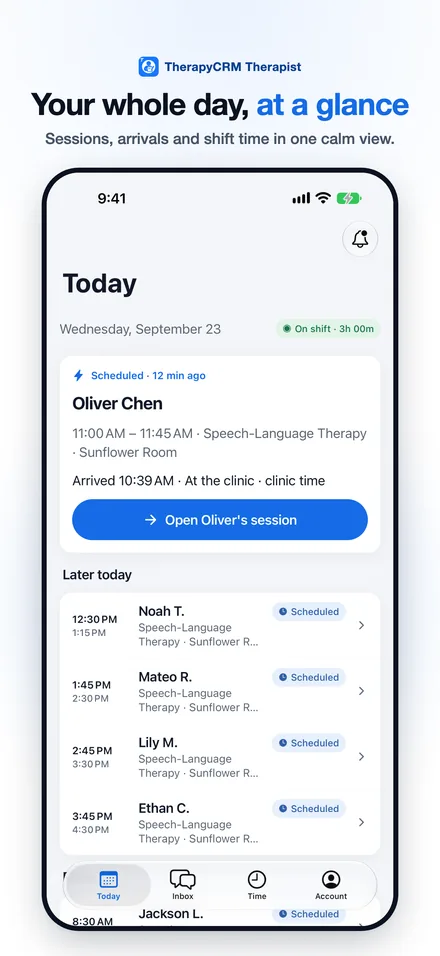
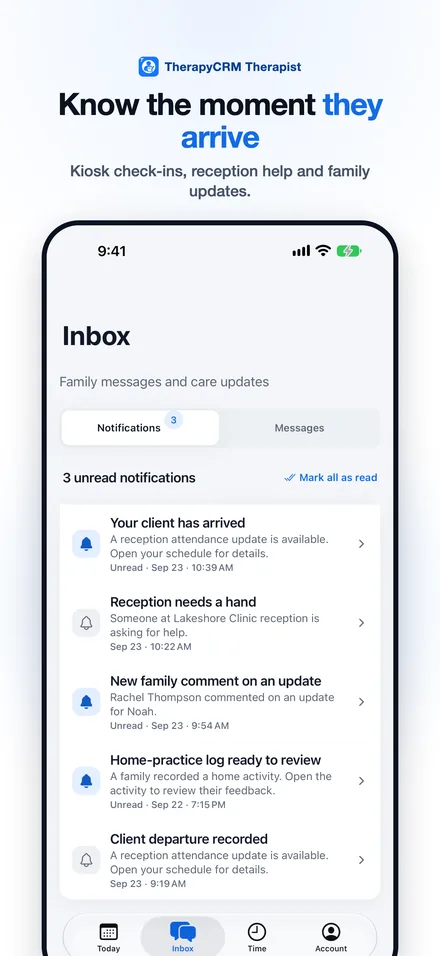
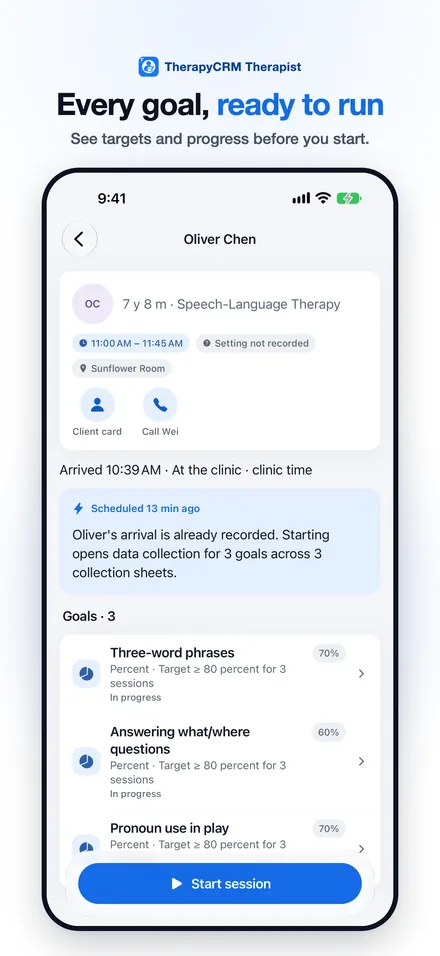
See the day’s sessions with what is in progress and what is up next. Clients checked in at the clinic’s TherapyCRM Check-In kiosk appear on your schedule. Start a session, end it, write the note or mark a no-show. On iPad, the session list and the selected session sit side by side.
One-tap trial-by-trial data collection
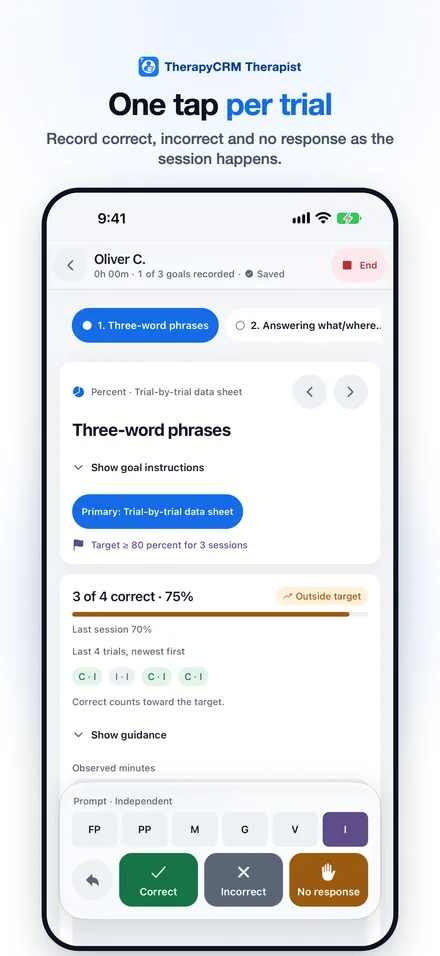
Record trials with Correct, Incorrect and No response tiles and prompt levels, and use counters, timers and number entries for other kinds of goals. Every tap is saved as you go, with a clear saved status and Undo. Each goal shows its target and progress, with a tick when the target is met.
SOAP notes that save as you type
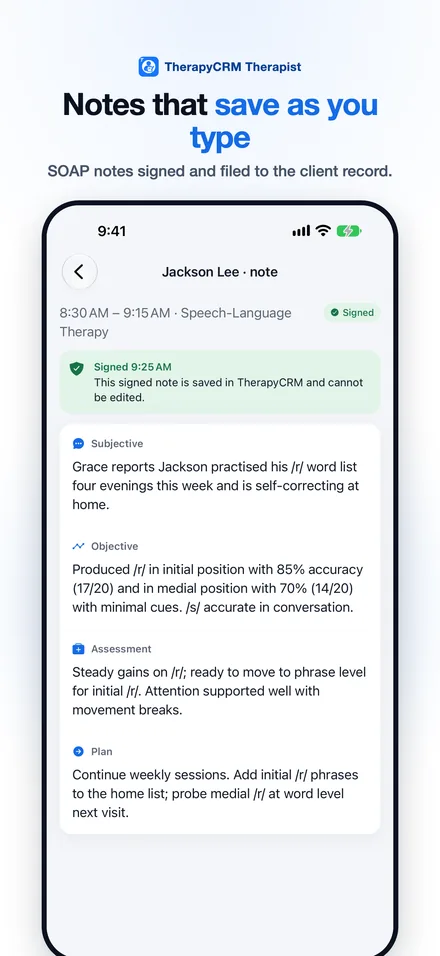
Write session notes in Subjective, Objective, Assessment and Plan sections. Drafts save as you type, and the app asks before discarding changes. A signed note is filed to the client record in TherapyCRM.
Family updates and messages
Share care updates, with photos or videos when the family has given media consent. Review the home practice families log, reply to family messages and share documents from your practice.
Clock in with the Check-In kiosk
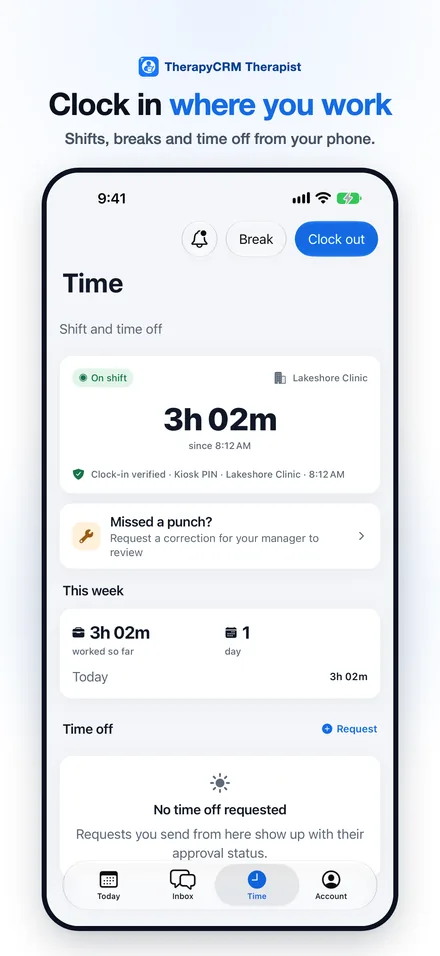
At the clinic, clock in and out by scanning the rotating code on the TherapyCRM Check-In kiosk. At home, school or community visits, clock in with a single location check at the moment you tap. Record breaks, request time off and send correction requests to your manager.
Private by design
Notifications for arrivals, reception help and care updates use general wording, so client names stay off the Lock Screen. The app locks after the idle time you choose, up to 15 minutes, and unlocks with Face ID or your password. Lists show a first name and last initial, and dates of birth stay hidden until you choose to show them. There are no ads and no tracking.
Questions
When will TherapyCRM Therapist be on the App Store?
The app has been submitted to Apple. This page will link to the App Store listing once Apple releases it. Clinicians can use the TherapyCRM web app in any browser today.
How do I get an account?
Your practice creates it. Sign in with the email address and password your practice set up for you; the app has no separate sign-up.
Does the app track my location?
No. It reads your location once, only when you clock in or out at an off-site visit, and never in the background. Clinic clock-ins use the Check-In kiosk code instead.
Does it replace the web app?
No. It covers a clinician’s day: sessions, data, notes, family updates and time. Practice setup, scheduling rules and billing stay in the TherapyCRM web app.